
Archie's Dinos Wiki
Everything about the add-on and mod by Eternal Creations. One wiki for both editions. Where Bedrock and Java differ, look for the edition tabs.
Archie’s Dinos adds seven dinosaurs to your world. You can tame six of them. The seventh is a boss.
Install
Section titled “Install”- Get Archie’s Dino Add-On on the Minecraft Marketplace.
- Open the settings of your world. It can be a new world or one you already have.
- Turn the add-on on under Behavior Packs and under Resource Packs.
- Load the world.
- Install Minecraft 1.20.1 with a mod loader. Archie’s Dinos supports Forge and Fabric. With Fabric you also need Fabric API.
- Download Archie’s Dinos for your loader. It is free on CurseForge and Modrinth.
- Download the AstemirLib mod too. Archie’s Dinos does not start without it.
- Put both files into your
modsfolder and start the game.
Your first dino
Section titled “Your first dino”Start with the Lushsaur. It lives in lush caves, it is calm, and all you need is Glow Berries and a Saddle.
On the way you will probably meet Archie. Let him follow you. He fights for you and trades with you.
The Guidebook and stamps
Section titled “The Guidebook and stamps”The Guidebook has a chapter for every dino. Hold it and look at a dino to open the right page.
Craft it like this, or trade a Book with Archie.
Bedrock Crafting recipe
 Archie's Dino Add-On Guidebook (shapeless)
Give Archie a Book. He always trades it for the Guidebook.
As you play you earn stamps for every dino: spot it, defeat it, tame it and master it. Collect them all.


Where to go next
Section titled “Where to go next”- Lushsaur, the calm one in the lush caves
- Therimoss, the jungle giant that climbs
- Coralosaur, asleep under the warm ocean
- Sculkraptor, the pack hunter of the Deep Dark
- Obsidiceratops, the lava tank of the Nether
- Chorusoatl, the flier of the End
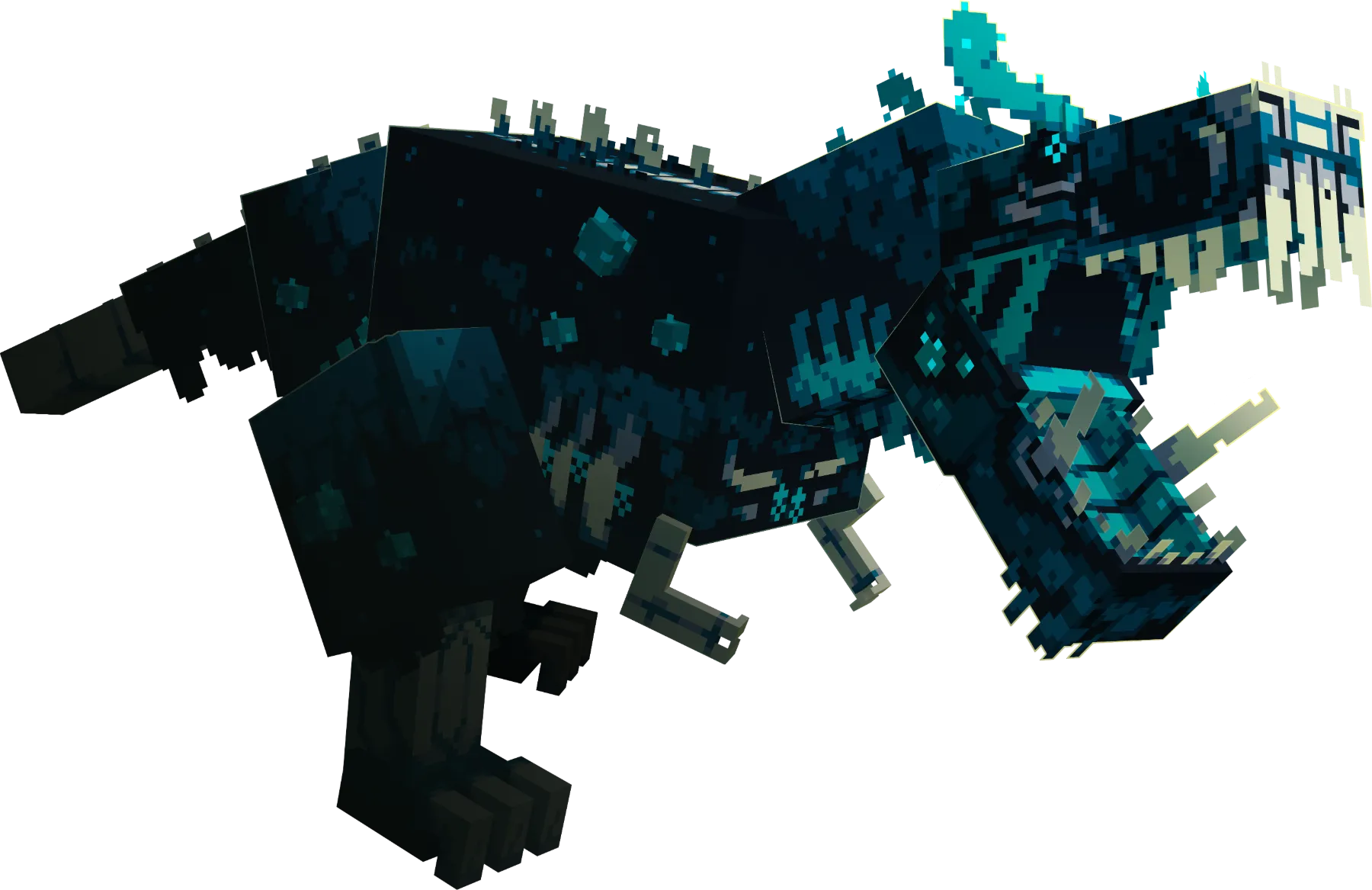
- Sculksaur, the boss. Save it for last.